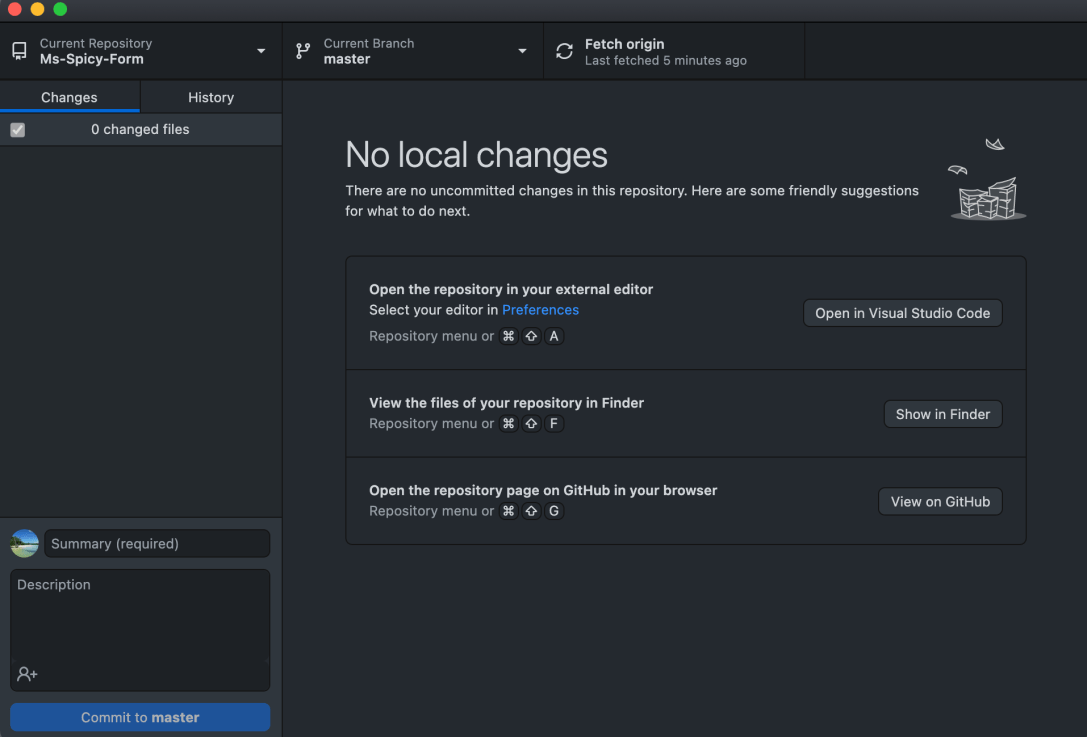
I spent most of this afternoon’s session setting up Git on my mac so I could start committing to my existing GitHub portfolio (which I never used nearly enough last time around anyway). It so happens that it has been in my to-do list for ages and, in my haste to jump into my review it completely slipped my mind! A prompt from a kind person on LinkedIn reminded me that I should’ve been using version control from the very beginning.
So, I set it up to run through VSCode to the GitHub desktop app (though I also set it up to commit directly from VSCode as well). It happens that working in the terminal for setup is a little different for Mac (surprise surprise), so generally followed this Lifehacker article to get it sorted, with a visit to stackoverflow here and there where I wasn’t getting the desired result.
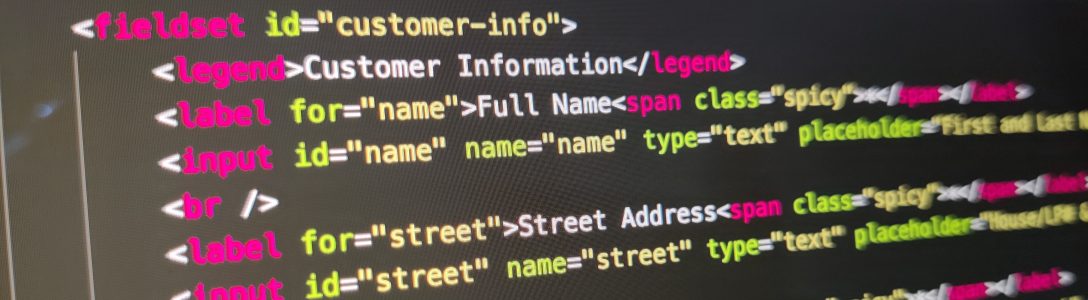
Once I had it set up, I created a repository for the form I’ve been working on and played around with it for a while to make sure I had the flow down in my mind again.
Then I went about adding images and making sure their placement is responsive.

 undefined